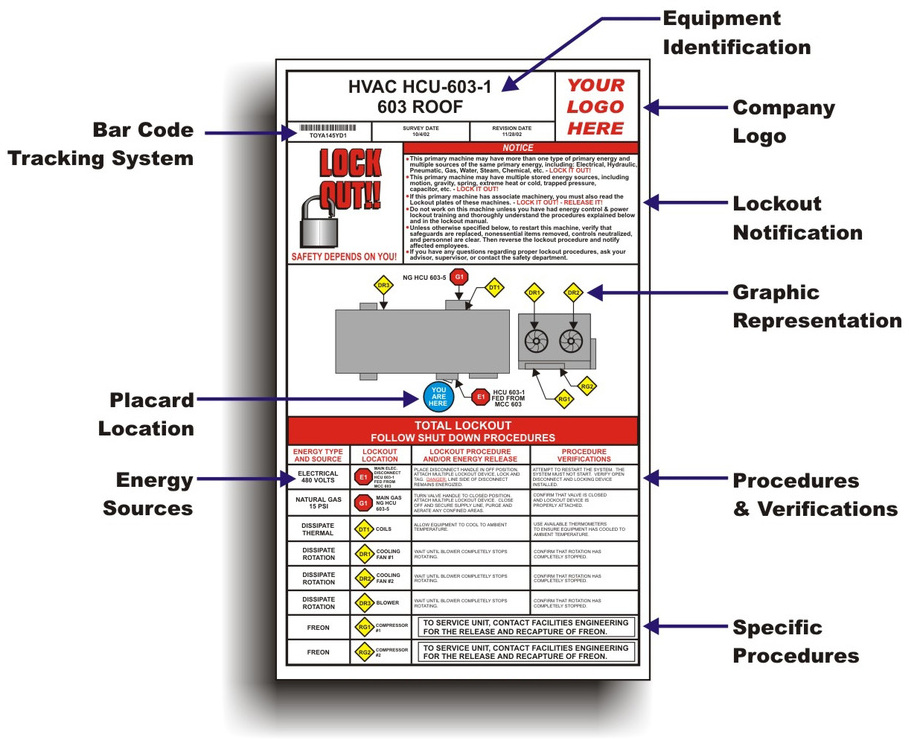
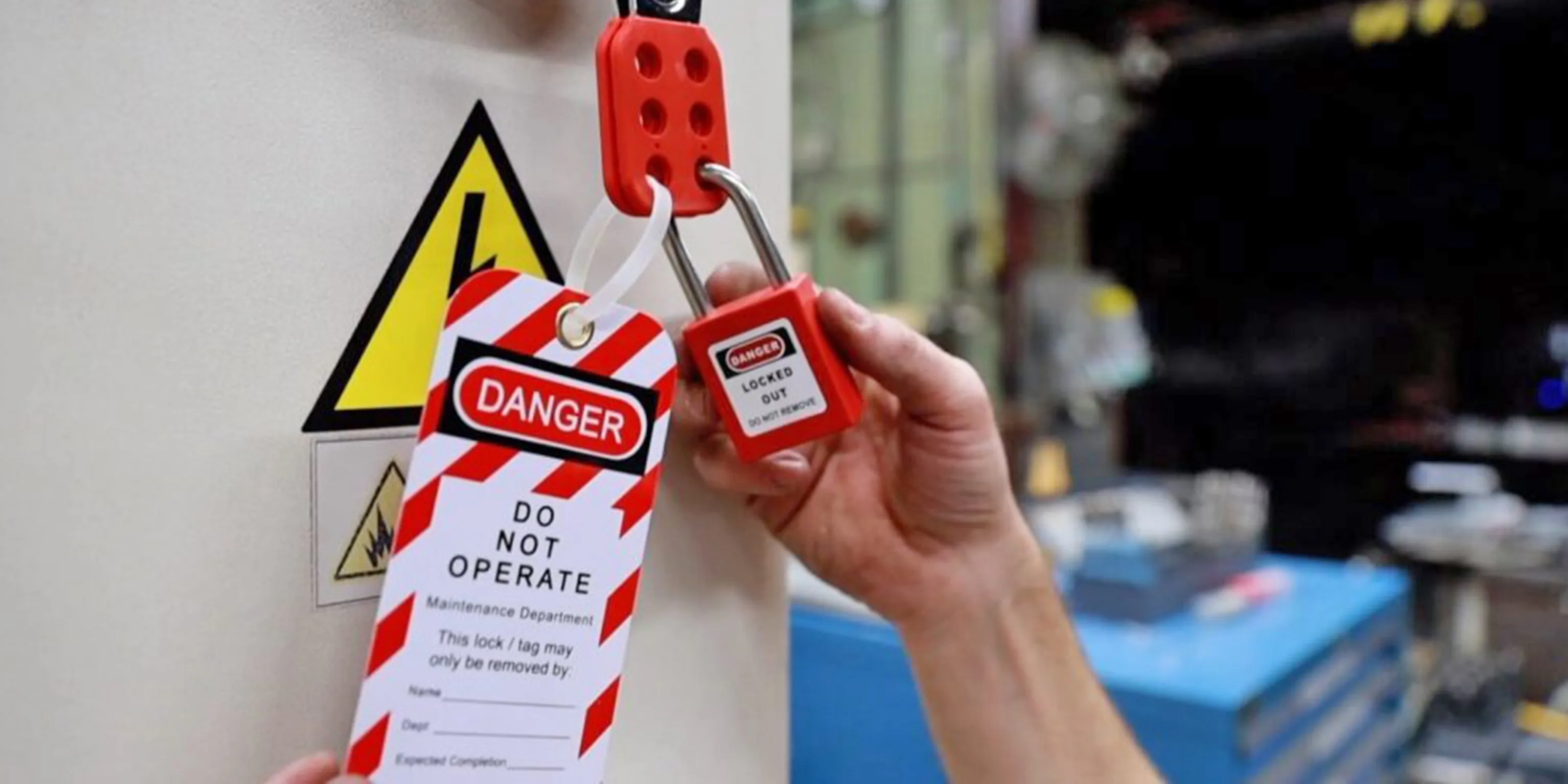
Equipment doesn’t stop being dangerous the moment it’s turned off. Residual energy in machinery—electrical, hydraulic, pneumatic, thermal—can still cause catastrophic injury if maintenance or servicing occurs without proper safeguards. That’s where the lockout tag out form comes in. It’s not just paperwork—it’s a documented shield between workers and life-threatening hazards.
A lockout tag out (LOTO) form is a procedural tool used during energy control processes to verify that hazardous energy sources are isolated and secured before service work begins. When used correctly, it ensures accountability, enhances communication, and provides a legal and operational safety net.
Yet too often, companies treat the LOTO form as a compliance box to check rather than a vital part of their safety culture. The result? Inconsistent application, skipped steps, and, in worst cases, preventable injuries.
Let’s break down how this form works, where it fits into the broader LOTO process, and how to implement it effectively.
What Is a Lockout Tag Out Form?
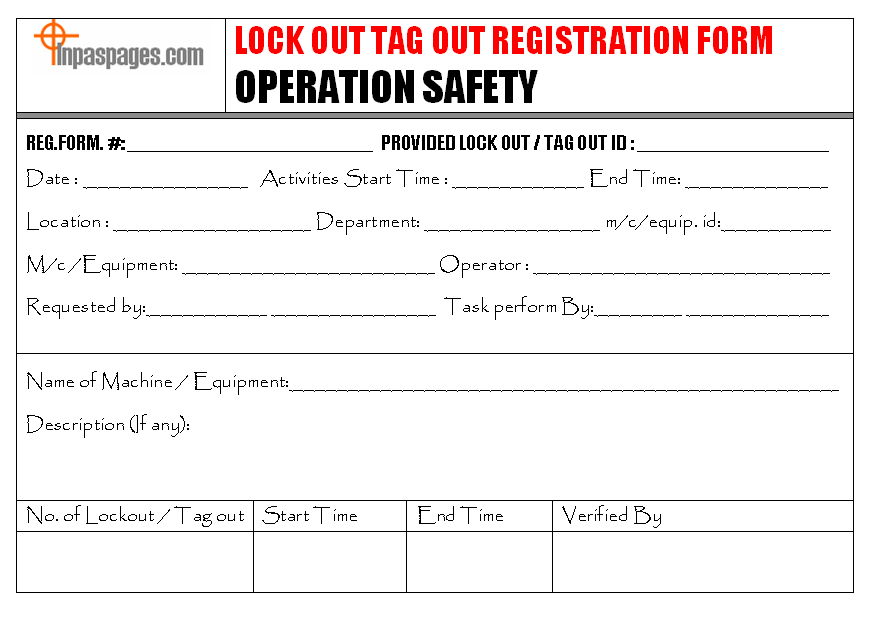
A lockout tag out form is a standardized document used to record the steps taken to isolate energy sources on machinery or equipment. Unlike the physical lock and tag, which physically prevent startup, the form serves as a written audit trail.
It typically includes:
- Equipment identification (name, ID number, location)
- Date and shift of the procedure
- Name and role of the authorized employee performing lockout
- Type of energy sources controlled (electrical, mechanical, chemical, etc.)
- Specific isolation points (valves, breakers, disconnects)
- List of locks and tags applied, with IDs
- Verification that zero energy is present
- Signatures for application and release of lockout
This form is not optional. According to OSHA standard 29 CFR 1910.147, employers must develop and enforce an energy control program using written procedures—including documentation like the LOTO form.
Without it, you lose traceability. If an accident occurs, there’s no way to prove that proper steps were followed. Worse, during routine maintenance, workers may assume a machine is safe when records show otherwise.
How the LOTO Form Fits Into the Energy Control Process
The lockout tag out form is part of a sequence—not an isolated activity. It’s used during the execution and verification phases of the full LOTO procedure.
Here’s how it integrates:
- Preparation – Authorized employee identifies the type and magnitude of energy, and the means to isolate it.
- Notification – Affected employees are informed that equipment will be shut down and locked out.
- Shutdown – Equipment is stopped using normal stopping procedures.
- Isolation – All energy-isolating devices are manually operated to cut supply (e.g., circuit breakers opened, valves closed).
- Application of Locks and Tags – Each isolating point is secured with a lock and tagged. The LOTO form is filled out in real-time.
- Control of Stored Energy – Residual energy (springs, capacitors, elevated parts) is safely dissipated or blocked.
- Verification of Isolation – The authorized employee attempts to start the machine (from normal controls) to confirm zero energy. This verification is recorded on the form.
The form becomes critical at steps 5 and 7. It’s not filled out afterward—it’s completed during the procedure, ensuring real-time accuracy.
Example: A maintenance technician servicing a conveyor belt must lock out the motor starter, close the air supply valve, and block any gravity-fed sections. The LOTO form lists each action, confirms verification, and is signed before work begins. If another worker checks the machine later, they can review the form and see exactly what protections are in place.
Common Mistakes
with LOTO Forms (And How to Avoid Them)
Even companies with established safety programs make errors with LOTO forms. These mistakes don’t just violate OSHA—they create blind spots in safety.
#### 1. Using Generic or Outdated Forms Many facilities use a one-size-fits-all LOTO form that doesn’t reflect the complexity of specific machines. A single form for a hydraulic press and a boiler system won’t capture the unique energy sources or isolation points.
Fix: Customize forms by machine type or criticality. Use diagrams, photos, or QR codes linking to equipment-specific procedures.
#### 2. Filling Out Forms After the Fact Some technicians complete the form once the work is done. This defeats the purpose—it becomes a fiction, not a record.
Fix: Train employees to treat the form as a live checklist. No step is complete until it’s documented.
#### 3. Missing Verification Steps The form must prove that zero energy was verified. If this box is routinely left blank or assumed, the process is broken.
Fix: Make verification a mandatory field. Use digital forms with enforced fields or require a second signature.
#### 4. No Central Access or Retention Policy Paper forms get lost. Digital ones get buried in folders. Without a retrieval system, audits and incident investigations fail.
Fix: Store completed forms in a secure, searchable repository—either cloud-based or on-site with clear indexing by date, machine, and employee.
What Should a Strong LOTO Form Include?
A well-designed form reduces errors and speeds up compliance. While formats vary, every effective LOTO form contains these core elements:
| Section | Purpose | Example |
|---|---|---|
| Equipment ID | Prevents confusion between similar machines | “Filler No. 3 – West Production Line” |
| Energy Sources | Clarifies what’s being controlled | Electrical (480V), Pneumatic (120 PSI), Thermal (Steam Line)” |
| Isolation Points | Specific locations where locks are applied | “Main disconnect CB-12,” “Air shutoff valve V-7” |
| Lock/Tag IDs | Tracks who applied each device | “Lock #LK-205 (J. Rivera), Tag #TG-889” |
| Verification Method | Proves zero energy state | “Tested with multimeter; 0V confirmed” |
| Signatures | Assigns responsibility | Authorized Employee, Supervisor (if required) |
| Work Description | Prevents premature release | “Replace drive belt and align pulley” |
Leave no room for interpretation. Use checkboxes, dropdowns, and clear fields. Avoid open-ended lines that invite vague responses like “fixed machine.”
Digital vs. Paper LOTO Forms: Which Is Better?
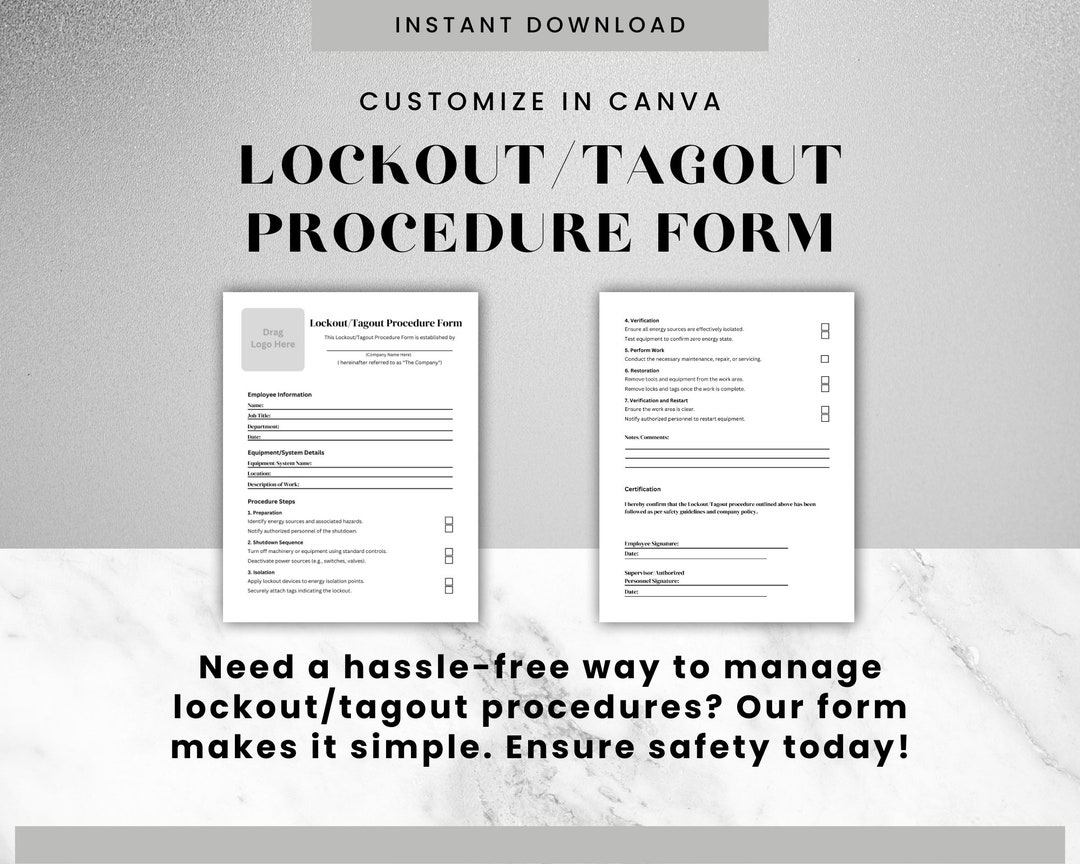
The shift from paper to digital LOTO forms is accelerating—but not every facility needs a high-tech solution.
| Factor | Paper Forms | Digital Forms |
|---|---|---|
| Setup Cost | Low | Medium to high |
| Training Required | Minimal | Moderate |
| Real-Time Validation | None | Possible (e.g., photo proof, GPS) |
| Audit Trail | Manual tracking | Automated logs |
| Accessibility | Physical access only | Cloud-based, mobile access |
| Risk of Tampering | Higher (can be altered) | Lower (with permissions) |
When to use paper: Small operations with few machines, limited IT infrastructure, or low-frequency maintenance tasks.
When to go digital: High-risk environments, multi-site companies, or organizations aiming for integration with CMMS (Computerized Maintenance Management Systems).
Real-world example: A food processing plant switched to digital LOTO forms with tablet access at each production line. Technicians scan a QR code on the machine, pull up the correct procedure, and complete the form with photo verification of lock placement. Supervisors receive instant alerts when a lock is applied, reducing unauthorized restarts by 90%.
Digital forms aren’t magic—but they enforce discipline.
Top 5 LOTO Form Tools and Platforms For organizations ready to upgrade their LOTO documentation, these platforms offer robust solutions:
- Fiix by Rockwell Automation
- - Cloud-based CMMS with integrated LOTO workflows
- - Custom form builder, mobile access, audit reporting
- - Best for: Mid to large manufacturers
- MaintenanceCare
- - Simple LOTO form templates with digital signatures
- - Real-time sync across teams
- - Best for: SMBs needing plug-and-play safety tools
- EHS Insight
- - Full EHS suite with lockout-tagout module
- - Includes risk assessment, incident tracking, compliance alerts
- - Best for: Regulated industries (pharma, energy)
- SiteDocs
- - Mobile-first platform with offline capability
- - Pre-built OSHA-compliant LOTO forms
- - Best for: Field services and construction
- SafetyCulture (iAuditor)
- - Highly customizable LOTO checklists
- - Photo evidence, analytics, and staff training tracking
- - Best for: Companies prioritizing continuous safety improvement
Each tool varies in depth and complexity—but all replace fragmented paper trails with structured, auditable processes.
Why Compliance Isn’t Enough
OSHA requires written procedures and documentation. But passing an audit isn’t the goal—preventing injury is.
A true safety culture uses the LOTO form not as a compliance artifact, but as a communication tool. It should be:
- Visible – Posted near equipment or accessible on mobile devices
- Actionable – Used by every authorized employee, every time
- Reviewed – Audited quarterly for accuracy and completeness
- Improved – Updated when equipment changes or incidents occur
One refinery reduced LOTO-related near-misses by 75% simply by adding a “Lessons Learned” section to their form—where technicians noted close calls or procedural gaps after each use.
That’s the power of documentation done right: it doesn’t just record safety—it drives it.
Implement your lockout tag out form as a living document. Train teams to treat it with the same seriousness as the lock and tag themselves. Audit it regularly. Improve it continuously. Because behind every form is a worker whose safety depends on what’s written—and followed—on that page.
FAQ
What should you look for in Lockout Tag Out Form: Purpose, Use, and Best Practices? Focus on relevance, practical value, and how well the solution matches real user intent.
Is Lockout Tag Out Form: Purpose, Use, and Best Practices suitable for beginners? That depends on the workflow, but a clear step-by-step approach usually makes it easier to start.
How do you compare options around Lockout Tag Out Form: Purpose, Use, and Best Practices? Compare features, trust signals, limitations, pricing, and ease of implementation.
What mistakes should you avoid? Avoid generic choices, weak validation, and decisions based only on marketing claims.
What is the next best step? Shortlist the most relevant options, validate them quickly, and refine from real-world results.